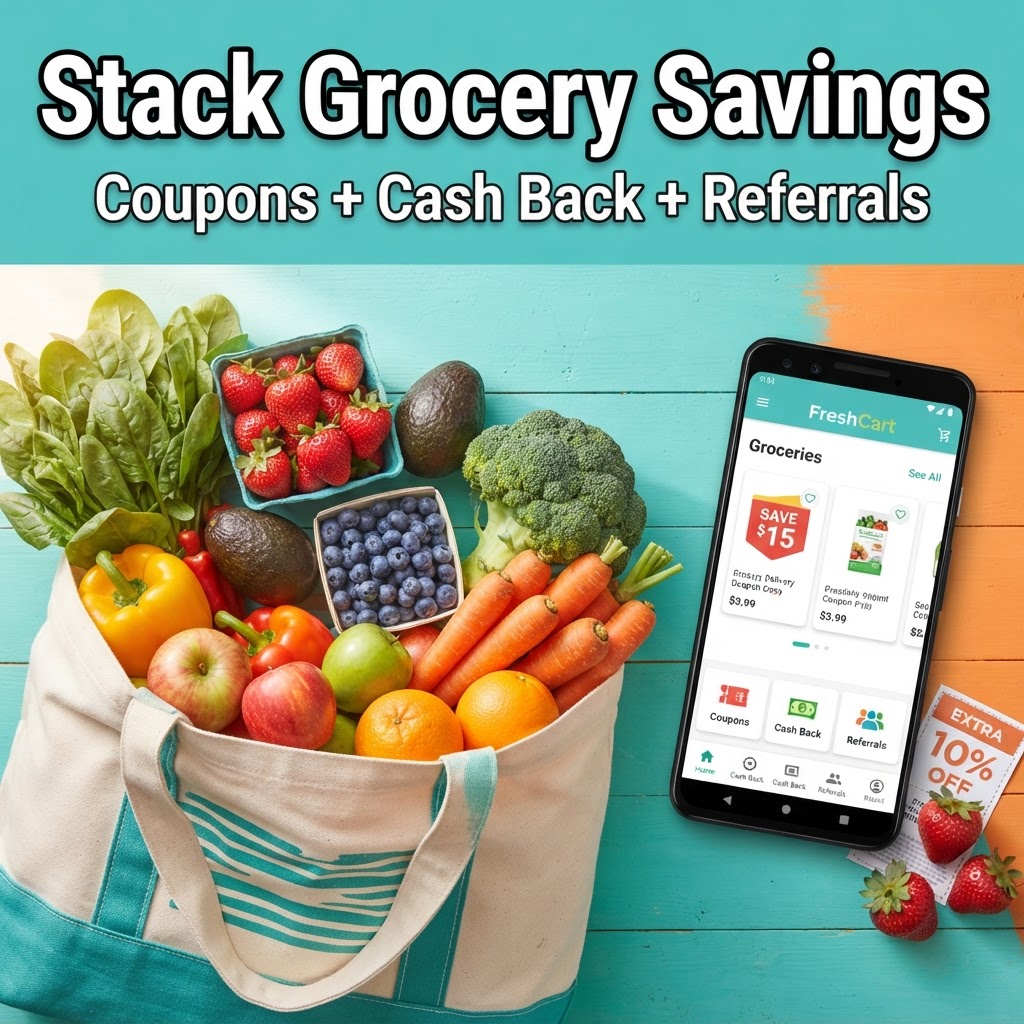
How to Stack Savings on Grocery Delivery Apps
10/13/2026
Ordering groceries online is a major time saver, but the service fees and delivery charges can quickly add up. If you use the right strategies, you can minimize these costs and sometimes even pay less than you would at the physical store. The secret is stacking your savings, which means combining multiple discounts into a single transaction. Here is a step-by-step guide on how to do it.
-
Check for New User Bonuses Before you download an app, look for sign-up incentives. Many platforms want to earn your business by offering significant discounts on your first few orders. For instance, you can often find deals like $20 off your first order with Uber Eats, which can be applied to grocery store items available through their platform. Always check the current terms on the app store or the company website, as these offers change frequently.
-
Use Cash Back Browser Extensions and Apps Before you click the order button, ensure you are activating a cash back portal. Websites like Rakuten or TopCashback often partner with major grocery delivery services. By clicking through their link or activating their browser extension before you shop, you earn a percentage of your total back as cash. This is a passive way to lower the effective cost of your groceries by a few percentage points.
-
Leverage Loyalty and Reward Programs Many grocery chains now have their own loyalty programs that integrate with delivery apps. If you have a loyalty card at your local grocery store, make sure it is linked to your delivery account. This allows you to collect store-specific points that you can use for gas discounts or future purchases. In addition, check if your credit card offers bonus points for grocery or delivery spending. Some cards provide higher cash back percentages for these categories, which adds another layer of savings to your purchase.
-
Monitor for Promo Codes After your initial welcome bonus, your savings do not have to stop. Most delivery services send email newsletters or push notifications when they have limited-time promo codes. These might offer a percentage off a specific dollar amount, such as 10 percent off orders over $50, or they might offer free delivery for a specific window of time. Before finalizing your checkout, perform a quick search for current promo codes for the specific service you are using.
-
Compare Fees Across Platforms Prices for the exact same item can fluctuate between different delivery platforms. It is often worth checking two or three apps to see which one offers the best final price after applying any active coupons or promos. For example, while one app might have a higher delivery fee, another might have a better current discount for new customers like the $20 off your first order offer mentioned earlier. A quick comparison can help you decide which platform provides the best value for that specific shopping trip.
-
Consider Subscription Services If you find yourself ordering groceries delivery more than twice a month, look into the platform's subscription service. These memberships usually waive delivery fees on orders over a certain amount. If the cost of the monthly fee is lower than the total delivery fees you would pay for your regular orders, it is a smart way to save money long term. Just be sure to cancel if your shopping habits change so you are not paying for a service you are not using.
Final Reminders Always remember that terms, service areas, and available promotions change regularly. Before you rely on a specific deal, check the fine print to see if it applies to your location and your specific cart items. By stacking these small discounts, you can make grocery delivery a much more affordable part of your weekly routine.
Featured perk
See the Uber Eats offer →